Building a Role-Based Lead Management System
Note: I can't share the LIVE link of the system as it is internal system of the company in which i worked for. Thank you for Understanding!!!😀 (The emoji is added by me not by ChatGPT. hehe)
Designing secure authentication, authorization, and APIs using Next.js
I built a Lead Management System (LMS) for internal business use to manage leads, associates, and users efficiently. The system focuses on security, role-based access control, and predictable backend behavior.
Instead of relying on frontend checks, the LMS enforces authentication and authorization entirely at the backend.
What Problem This Solves
Many internal dashboards fail because they trust the frontend too much. Users can bypass UI restrictions, roles are checked only in the browser, and APIs assume requests are valid.
This LMS was designed to avoid those failures by enforcing access control at every backend layer.
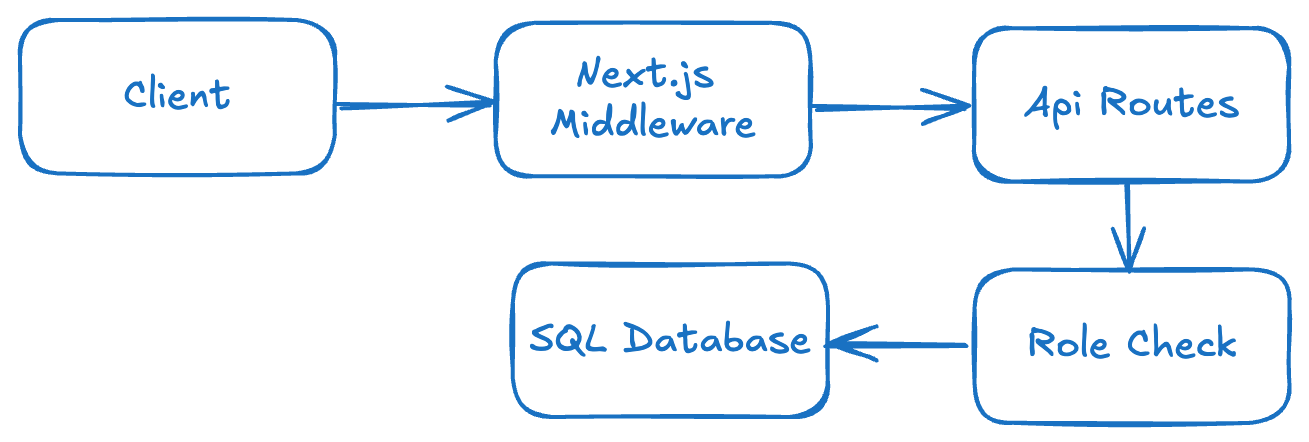
High-Level Architecture
Route Protection with Next.js Middleware
The first layer of security is implemented using Next.js middleware.
Protected routes like /dashboard cannot be accessed
without a valid authentication token.
if (pathname.startsWith('/dashboard')) {
  if (!token) {
    return NextResponse.redirect(new URL('/login', req.url));
  }
}
Middleware blocks unauthorized users early and prevents unnecessary backend calls.
Secure Authentication Flow
User passwords are hashed using bcrypt. On login, credentials are verified securely before issuing a JWT.
const isValid = await comparePassword(password, user.PasswordHash);
Tokens are stored in HTTP-only cookies, protecting them from JavaScript access and XSS attacks.
Token Validation at API Level
Every API route independently validates the JWT token. Middleware only checks presence — APIs enforce trust.
const decoded = verifyToken(token);
This ensures that even if middleware is bypassed, APIs remain protected.
Role-Based Authorization
Certain actions like creating, updating, or deleting records are restricted to privileged roles (e.g. Lead Master).
if (decoded.role !== 'Lead Master') {
  return NextResponse.json({ error: 'Unauthorized' }, { status: 403 });
}
Role checks live in backend code, not UI logic.
Controlled Data Access
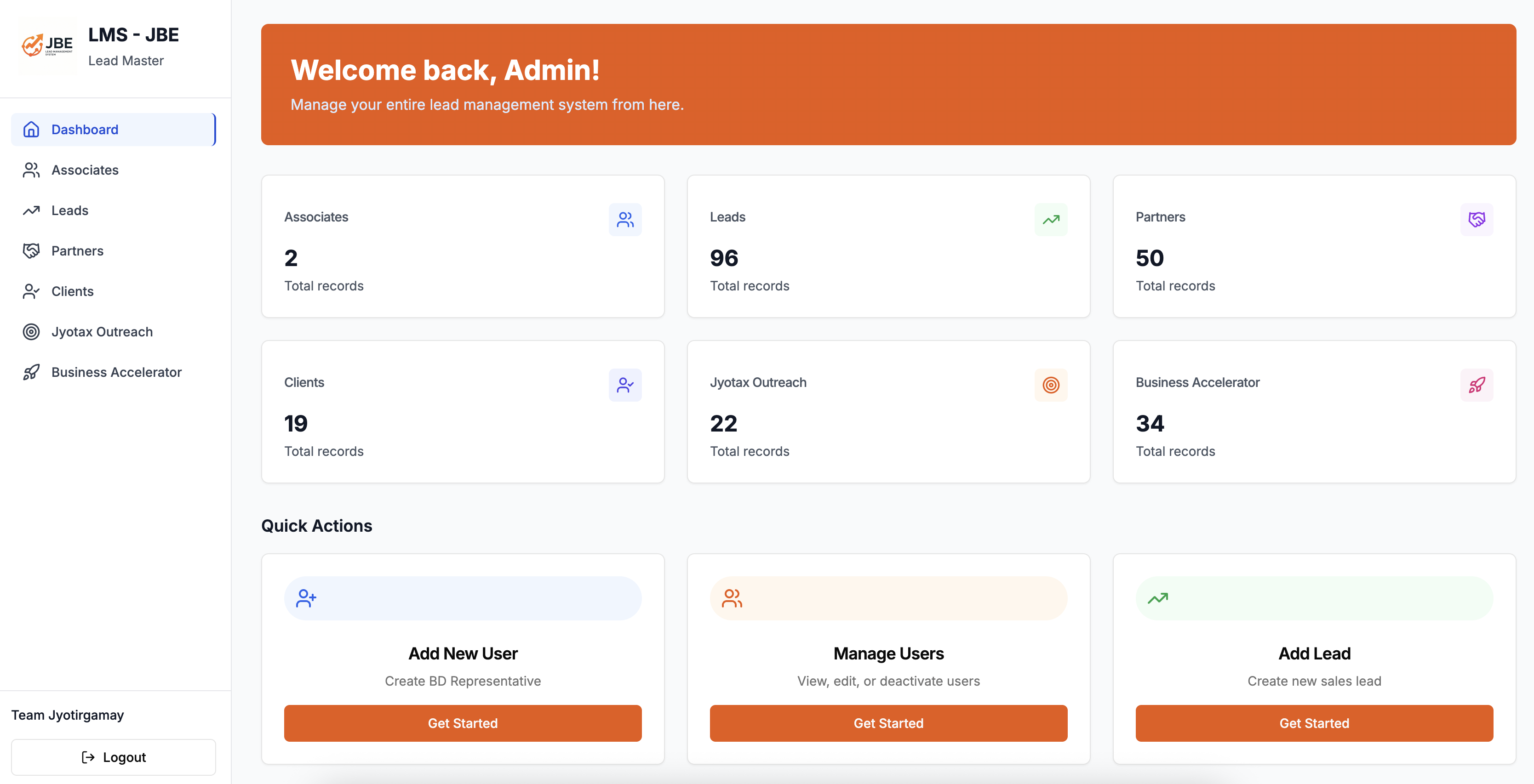
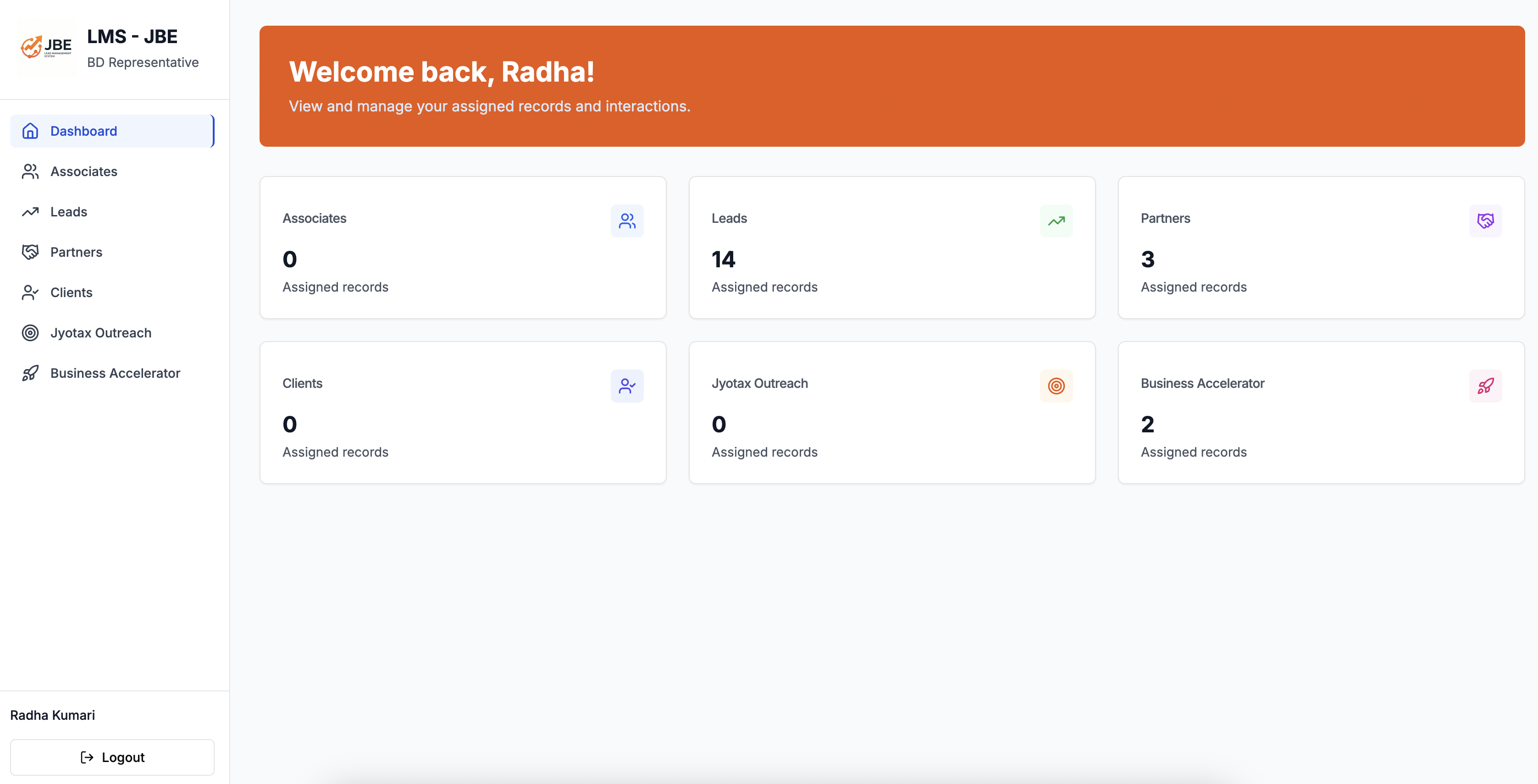
Admin users can view all associates, while regular users only see records assigned to them.
SELECT *
FROM Associates
WHERE AssignedTo = @userId
This prevents accidental data leaks and enforces ownership rules.
Safe Database Operations
All database queries use parameterized SQL to prevent injection and maintain predictable query behavior.
Lessons Learned
- Middleware should protect routes, not establish trust
- Authorization must live in backend code
- Role-based access is non-negotiable in internal tools
- Predictable systems are easier to debug and secure
Screenshots
A few snapshots of the LMS dashboard and workflows.